FOR VETERINARY PROFESSIONALS
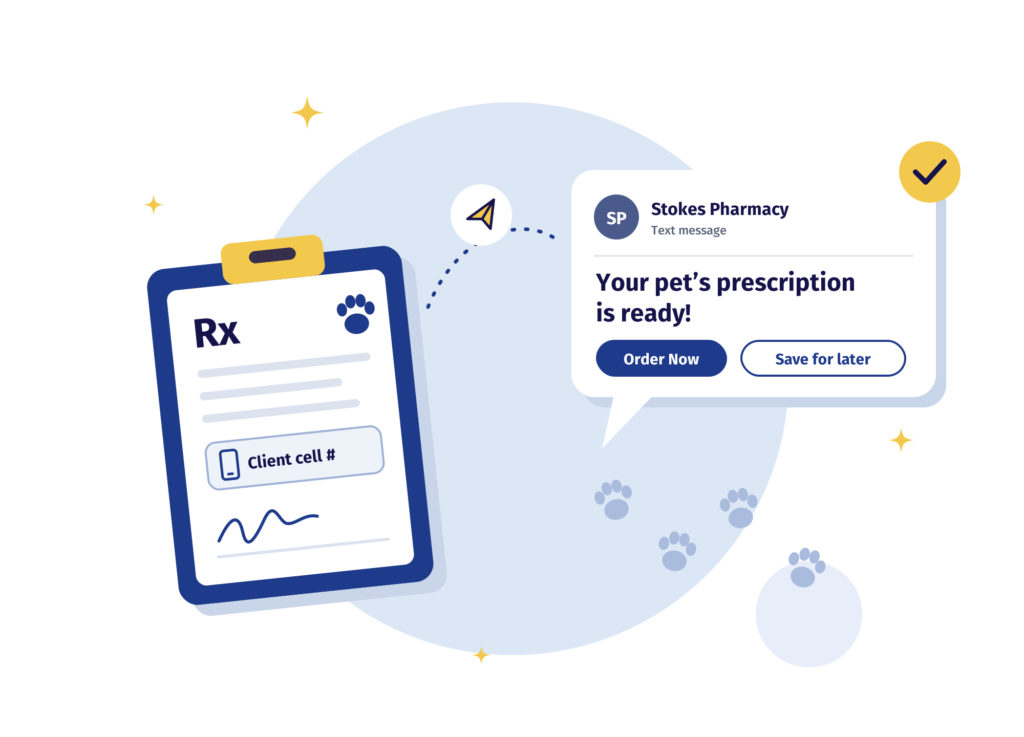
Submit prescriptions without waiting on hold. Once we’ve processed them, we’ll text your clients a secure link so they can check out on their own.
For the quickest service, use these options in order of preference:
If you have an account, send each prescription to the Client Portal. Your client will get a text or email alert to complete their order.
Include the client’s address and cell phone number.
800.754.5222
To keep the prescription moving, include one of these bases:
See the full list on Epicur Pharma’s Ophthalmics page.
No iFill account yet? Once your urgent orders are in, register here so your team and clients can order anytime.
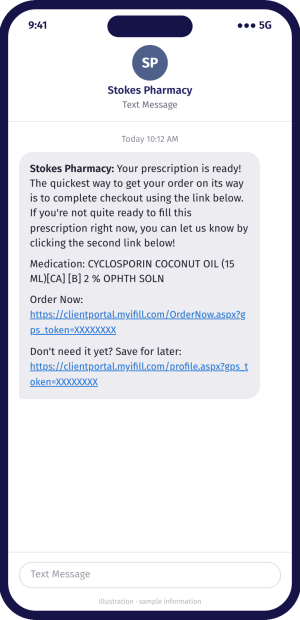
Once we receive and process a prescription, we text your client a secure link. From that link, they can:
This is the fastest way for your clients to get their pet’s medication. There’s no phone call and no waiting on hold, for them or for your team.
Help it go smoothly: